DSO Operating System: Calculator & Tool Suite
The numbers side of running a multi-location group, in one Excel workbook.
- Track 20 core DSO metrics against benchmarks and see red, amber and green at a glance
- Build a full location income statement and compare it with benchmarks
- Score revenue cycle health by AR aging bucket
What this toolkit is about
A DSO runs on a handful of numbers that everyone needs to see the same way: location P&Ls, AR aging, fee schedules, staffing ratios, SOP adoption, integration milestones. The DSO Operating System Tool Suite puts each of them in its own tab, with benchmarks built in, so a regional director and a CFO are looking at the same page.
It's the working companion to The DSO Operating System book. Ten tools sit behind a single index, and each one lists who uses it, what you need to enter and what you get back. Fill in the blue cells with your own figures and the rest calculates.
Written for the reader in your chair.
- VPs of operations, area directors and COOs who need one view across locations
- CFOs and PE sponsors normalizing EBITDA and planning capital
- Billing, people and integration leads who each own a slice of the numbers
Fair warning. The workbook models and benchmarks your own data. It isn't accounting, tax or legal advice, and the benchmarks are planning references that your finance team should confirm.
After you've read it, you can:
- Track 20 core DSO metrics against benchmarks and see red, amber and green at a glance
- Build a full location income statement and compare it with benchmarks
- Score revenue cycle health by AR aging bucket
- Normalize EBITDA for acquisition valuation
- Benchmark contracted fee rates against UCR and rank the gaps
- Plan a three-to-five year equipment replacement schedule
The full table of contents
The tools inside the workbook
Each tool lists its primary user and the inputs it needs.
- 1KPI DashboardTrack 20 core DSO metrics against benchmarks. Built for VP Ops and area directors.
- 2Location P&L ModelA full location income statement with benchmarks. Built for the CFO and COO.
- 3A/R Aging AnalyzerScore revenue cycle health against best-in-class targets. Built for the billing manager.
- 4EBITDA NormalizerNormalize EBITDA for acquisition valuation. Built for the CFO and PE sponsor.
- 5Fee Schedule OptimizerCompare contracted rates with UCR and rank the gaps. Built for the billing director.
- 6SOP Compliance TrackerMonitor SOP adoption across locations and roles. Built for the director of operations.
- 7Integration Milestone TrackerTrack a 180-day integration against a stage-gate plan. Built for the integration manager.
- 8Self-Assessment ScorerScore DSO infrastructure maturity across 18 dimensions. Built for the founder and COO.
- 9Staffing Ratio CalculatorWork out team size by location count and volume.
- 10CapEx Planning ModelBuild a three-to-five year equipment replacement schedule. Built for the COO and finance.
- Format
- Excel workbook, 2026 edition
- Contents
- 10 tools plus an index and a history tab
- Companion to
- The DSO Operating System
Questions people ask first.
Do I need the book to use it?
No. Every tool lists its purpose, primary user and inputs on the index tab. The book gives you the thinking behind the numbers.
Can I use it for a single practice?
Yes, though it's built for multi-location groups. Several tools, such as the KPI dashboard, P&L model and AR analyzer, work fine for one office.
Where do the benchmarks come from?
They are planning references built into the workbook. Treat them as starting points and replace them with your own targets where you have better data.
Is this accounting or tax advice?
No. It organizes and benchmarks your figures. Your finance team and advisors should review anything you act on.
How do I get it?
After you pay, a download link lands in your inbox. Keep the email and you can come back to it any time.
What if it isn't right for me?
Email me within 15 days of buying and I'll refund you. Read it, use the tools, and decide. No forms, no argument.
Is this a subscription?
No. It's a one-time price. You won't be billed again.
Who wrote it?
Pete Volk, CEAS, a 25+ year veteran of dental equipment and practice design who has also worked on DSO strategy and practice valuation.
I have a question before I buy.
Send it through the contact page and I'll answer it myself.
More for dso leaders
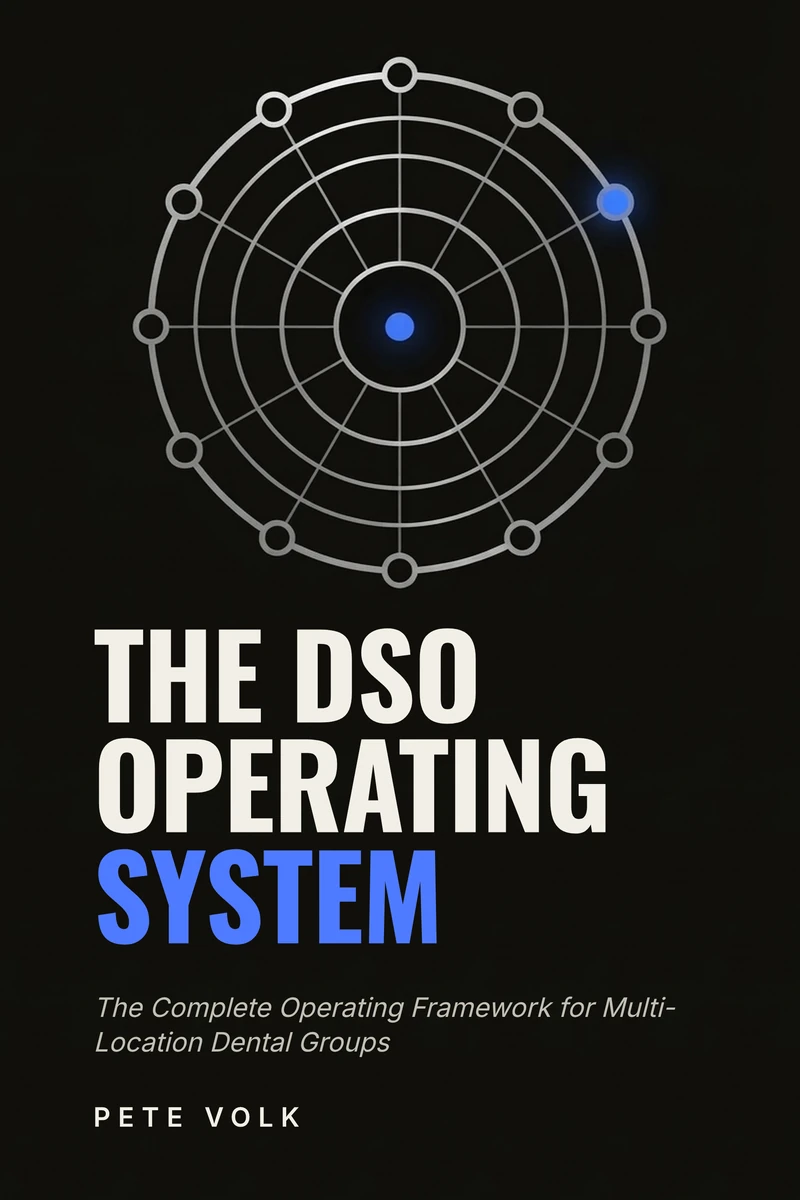
The DSO Operating System
The playbook for running multiple locations without losing the plot.
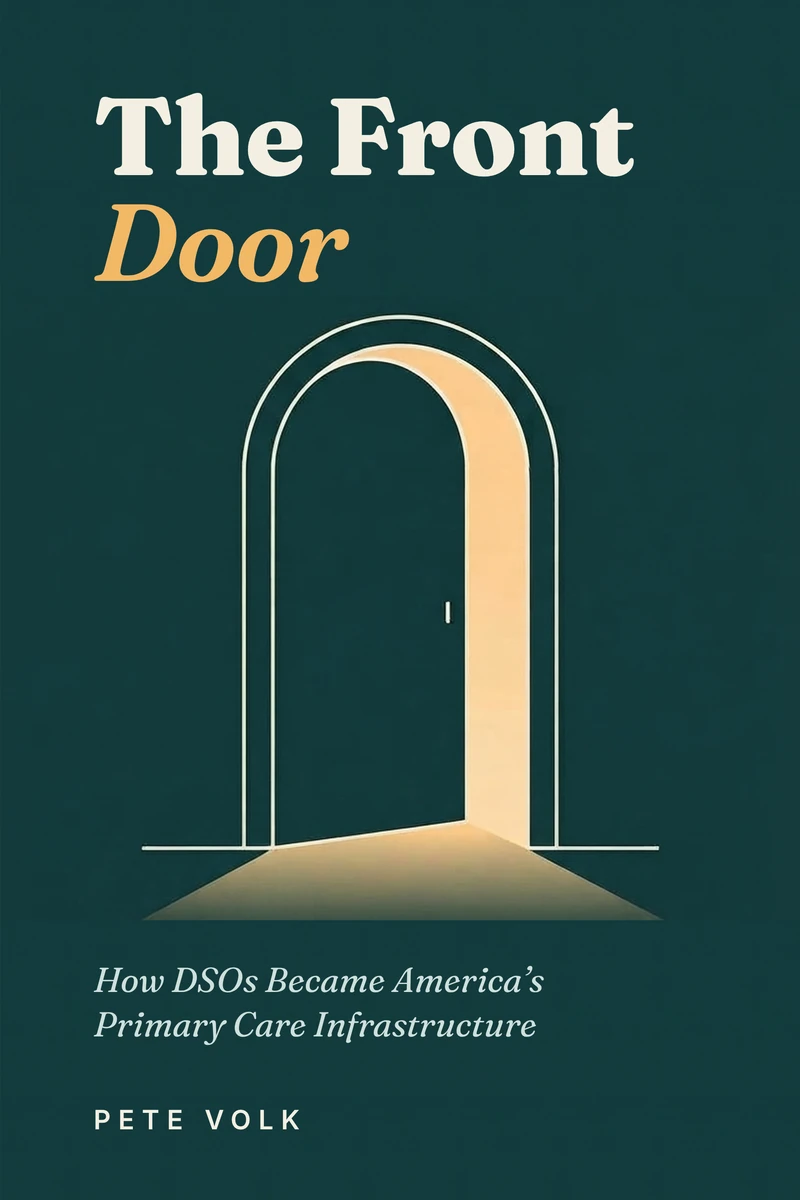
The Front Door: How DSOs Became America's Primary Care Infrastructure
Why the dental chair became a front door to primary care, and what it means for a group.
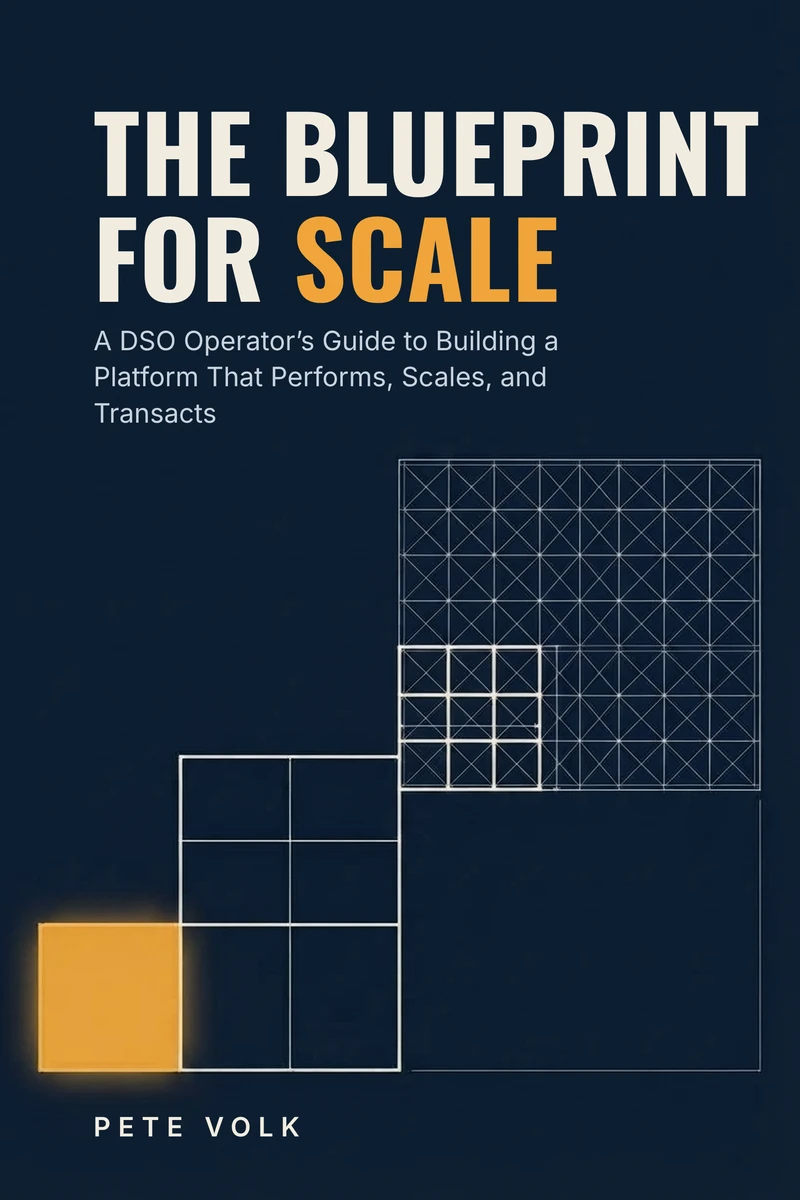
The Blueprint for Scale: A DSO Operator's Guide to Building a Platform
Build a platform that performs, scales, and sells at its full potential value.
$59